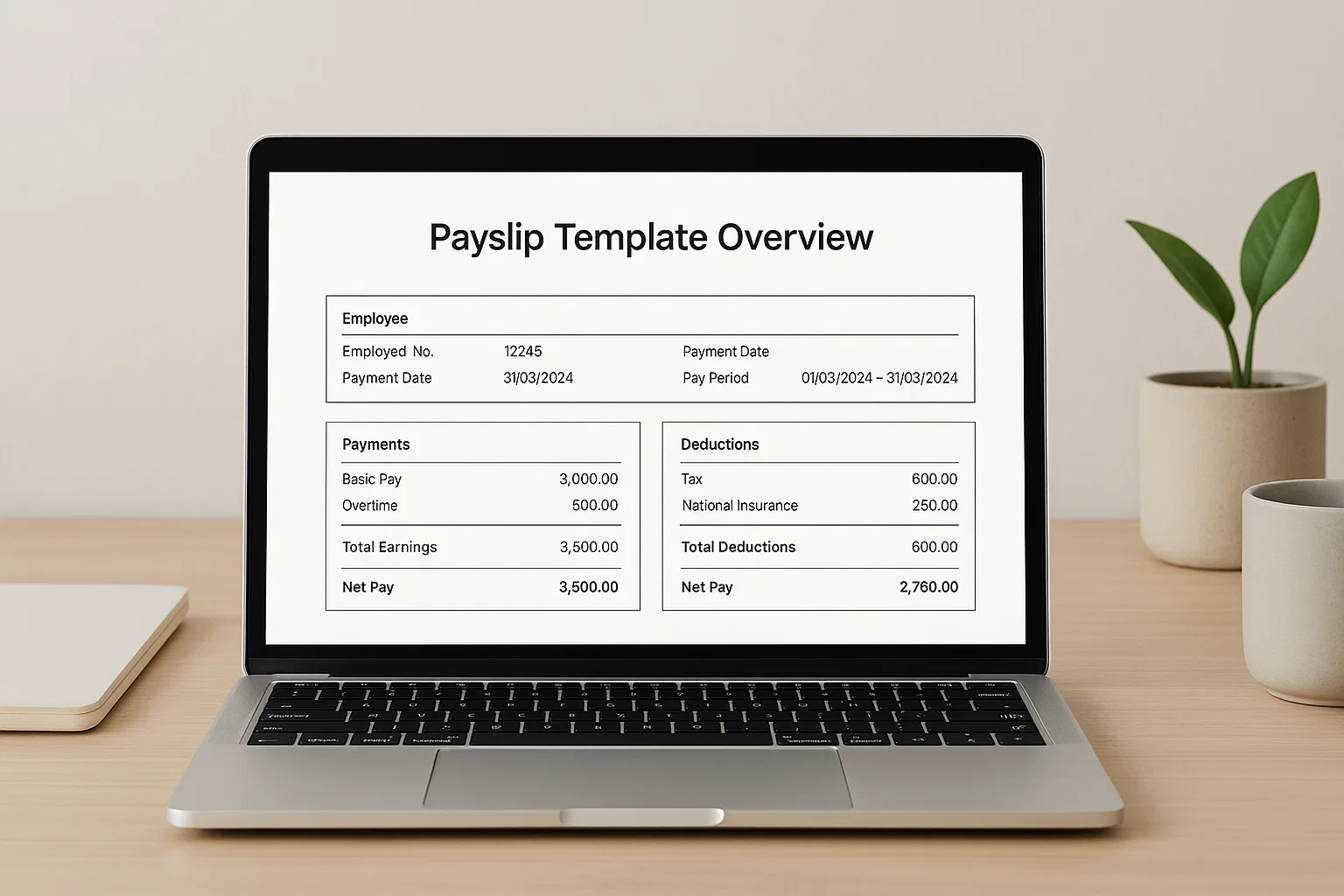
You’d be surprised how many people still wing their payslips. Some take an old example, erase half the content, and somehow hope the structure will hold. Others try to build one in Word and accidentally break all the table lines. A good template isn’t just a convenience it’s a tiny safety net that keeps payroll consistent, readable, and compliant. That’s really the whole point of this guide: giving you the simplest, clearest set of free payslip templates you can download today and use without thinking twice.
Let’s walk through them together and make payroll feel much less stressful.
What a Payslip Template Actually Does (and Why It Matters)
A payslip template is basically a pre-formatted layout that includes every detail an employee needs to understand their earnings. It keeps things neat so the person receiving it can glance at the sections gross pay, deductions, net pay and know exactly what happened with their wages.
Here’s what your template must always show:
- Employee information
- Employer details
- Pay period
- Basic and overtime hours
- Gross pay
- Deductions (tax, NI, pension, student loan, etc.)
- Net pay
When you have all of that locked in, salary conversations become simpler. Employees don’t have to chase the HR team for clarification. You don’t have to re-explain deductions. The template does the heavy lifting.
A consistent format also matters when you’re dealing with auditors, tax officials, or even payroll software. Everyone is looking at the same structure. No confusion, no missing fields, no awkward backtracking.
Different Types of Payslip Templates (And When They Work Best)
Now here’s where things get practical. Not every payslip template behaves the same way. Some are built for quick edits, others for quick printing. A few are perfect for beginners; others play nicer with formulas and calculations.
Let’s break down the main types.
Excel Payslip Template
If you need calculations to update automatically, Excel is your best friend. You plug in gross pay, tax rate, or hours worked, and the sheet does the maths for you. Perfect for:
- Small businesses
- Freelancers managing multiple contractors
- Anyone tired of calculating NI and pension every month
The grid layout keeps everything aligned, and you’re less likely to break the structure because Excel protects the formulas.
Word Payslip Template
If you want something clean and printable, Word is ideal. No formulas. No complexity. Just a neat table with editable fields. Good for:
- One-off payslips
- Employers who prefer printed documents
- Simple payroll setups without complicated deductions
Word gives full control over formatting, but it also means you need to manually update numbers. That’s the trade-off.
PDF Payslip Template
PDF templates are usually fixed designs. They’re great when you need something tidy and professional-looking every time. You fill it in digitally or print it and write by hand.
Use this when:
- You need a consistent layout month after month
- You’re sending payslips externally (e.g., freelancers or consultants)
- You want a quick, no-editing-needed format
Editable Payslip Template (Online)
Think of these as hybrid tools. Some websites let you edit a payslip layout right in the browser, then download the finished PDF.
They’re useful when:
- You don’t have Office installed
- You want quick access from anywhere
- You need a payslip but don’t want to set up Excel formulas
Payslip Generator
These tools create full payslips automatically as long as you input the details correctly. They’re fast, but templates still win when you want full control over layout or long-term consistency.
Free Payslip Templates You Can Download (Excel, Word, PDF)
Alright, here’s the part most people scroll for. Simple, clean, ready-to-download templates you can start using straight away.
Excel Payslip Template
- Auto-calculates totals
- Clean rows and columns
- Easy to customise (tax, NI, pension, etc.)
Best for: anyone who wants accuracy without manual maths.
Word Payslip Template
- Simple table layout
- Fully editable
- Great for printing
Best for: small companies that prefer clear and minimal layouts.
PDF Payslip Template
- Neat, fixed design
- Works on all devices
- Most professional appearance
Best for: sending payslips to contractors or freelancers.
If you ever want your own online version, you can use tools like Spinbot to rewrite payroll instructions or help files cleanly it’s a quick way to make your HR notes easier to understand.
How to Edit a Payslip Template in Excel
If you’re using Excel, the good news is that most calculations happen automatically. But here’s how to personalise it safely:
- Enter employee details (name, NI number, job title).
- Add pay period (weekly, fortnightly, monthly your choice).
- Fill in hours worked or salary amount.
- Input tax, NI, or pension rates if they’re not already set.
- Excel does the maths and updates the totals.
- Save as Excel or export as PDF.
If you want to build more advanced versions later overtime formulas, bonus columns, or automated tax brackets your Excel template will grow with you.
How to Use a Payslip Template in Word
Word gives you freedom, but it needs a gentle touch. Here’s the smooth way to handle it:
- Replace placeholders carefully without breaking table lines
- Use the tab key to navigate fields
- Keep all monetary fields aligned for a tidy finish
- Export as PDF when you’re done Word formatting doesn’t always survive email attachments
Word templates look more “document-like,” which some employers prefer for printing.
A Simple Payslip Template That Covers Everything You Need
If you’re overwhelmed by layouts, use this rule: the simplest template is often the most reliable.
Your layout only needs:
- Employee details
- Employer details
- Pay period
- Earnings
- Deductions
- Net pay
That’s it. No unnecessary boxes. No confusing extras. Clarity matters more than being fancy.
Payslip Generator vs Template Which One’s Better?
A generator is great when you need payslips fast. But here’s the truth most people don’t say out loud:
Generators are helpful, but editable templates give you more control.
Generators are ideal when:
- Payroll is simple
- You want instant PDF output
- You don’t need a custom format
Templates are ideal when:
- You want consistency
- You need personalised fields
- You handle different types of deductions
Most small businesses use a mix of both, depending on workload.
Sample Payslip Breakdown (For Beginners)
Let’s decode how each part works so your template actually makes sense.
1. Employee Details
Name, NI number, job title the basics.
2. Employer Details
Company name, address, payroll reference.
3. Pay Period
This is crucial for record-keeping. It shows exactly which dates the payslip covers.
4. Earnings
- Basic salary
- Overtime
- Bonuses
- Commissions
5. Deductions
- Tax
- National Insurance
- Pension
- Student loan
- Other voluntary deductions
6. Net Pay
This is the number employees actually care about the amount that lands in their bank account.
Once you know how these sections work together, every payslip template becomes easy to understand.
Common Mistakes Employers Make With Payslip Templates
Even experienced business owners slip up here. Watch out for the usual trouble points:
- Using wrong tax codes
- Missing National Insurance information
- Forgetting to update overtime each month
- Not saving PDF copies for record-keeping
- Sending payslips without employer details
- Editing a template so much it breaks the layout
The trick is simple: keep your template neat, clean, and consistent.
Frequently Asked Questions
Can I create my own payslip template?
Yes, but most people prefer a ready-made one because it avoids formatting mistakes.
Are free payslip templates legally accepted?
Yes as long as they include all the required information.
Do employees need printed or digital payslips?
Digital payslips are now the norm, but printed copies are still fine.
Can I use the same payslip template every month?
Absolutely. That’s the beauty of templates consistency.
Do contractors need payslips?
Not always, but many contractors appreciate a clean payment breakdown.
So, Which Payslip Template Should You Start With?
Start with the simplest one. The template that doesn’t confuse you, doesn’t overwhelm you, and doesn’t need hours of adjustment. Most beginners pick the Excel version because it handles calculations automatically. If you want clean printing, Word is perfect. And if you want something crisp and ready for sending, choose PDF.
Once you find a format that fits your workflow, payroll becomes one of the calmest tasks in your month.
And honestly, that’s the goal clarity, consistency, and zero stress.

Rachel combines her technical expertise with a flair for clear, accessible writing. A graduate of the University of Edinburgh, she specializes in creating detailed tech-focused content, Govt Jobs, Payslips that educates our readers about the latest in web development and SEO tools at Spinbot blog.