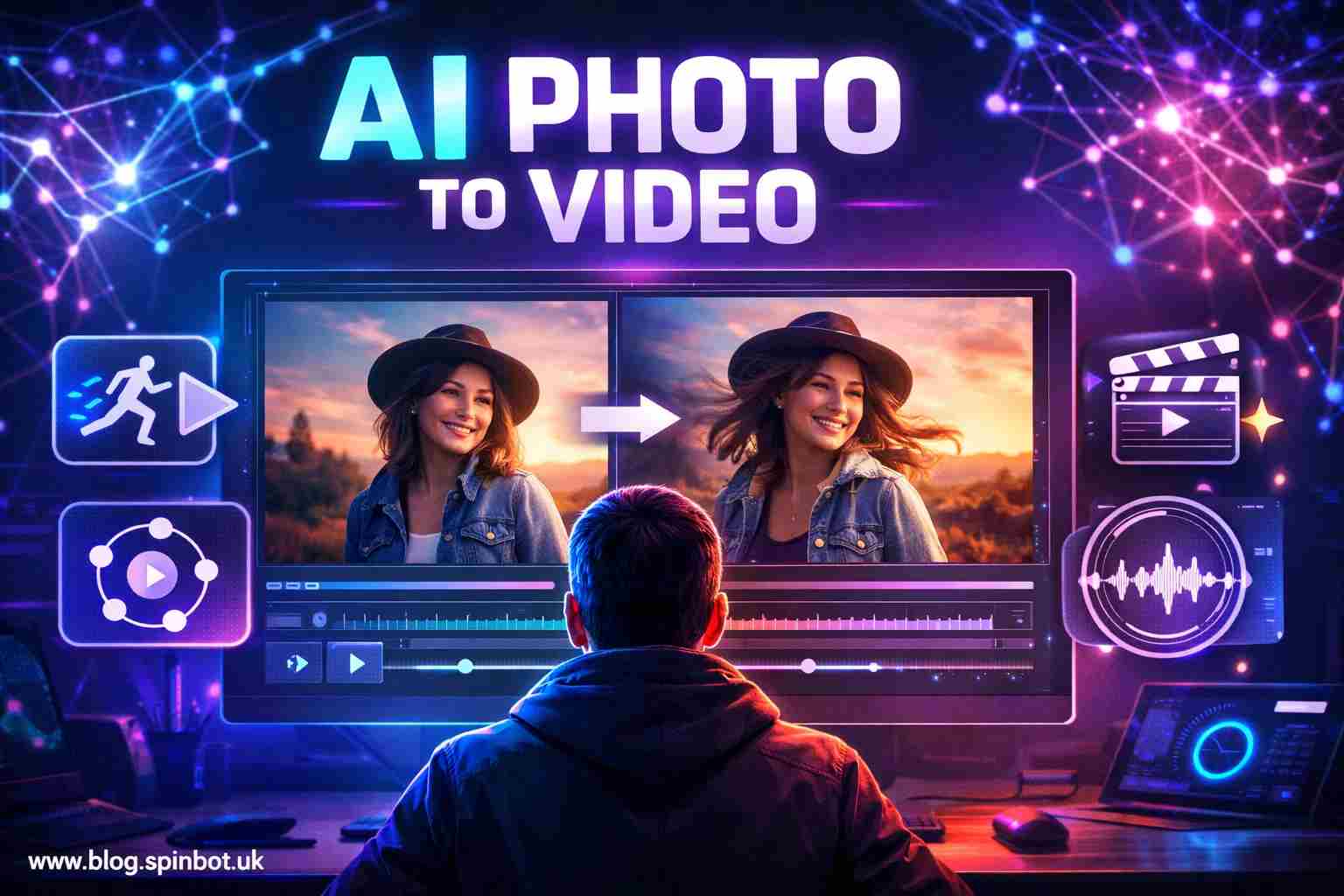
Now something interesting is happening. A single image can become motion, expression, even a short cinematic moment. The shift is coming from artificial intelligence tools that analyse a still picture and generate movement around it. A face can blink. Clouds can drift. A camera can slowly pan across the scene.
That simple photo suddenly feels alive.
Can AI make a video from an image?
Yes. AI video from image tools analyse a still photo and generate motion frames that turn it into a short video. The system studies objects, depth, lighting, and facial features inside the image. Then it predicts realistic movement and creates new frames between them. The result is a short animated video created from a single photo.
The technology is already used in social media videos, digital marketing, storytelling, and even filmmaking prototypes.
What does AI video actually mean?
When people hear the phrase “AI video,” they often imagine robots generating full movies on their own. The reality is simpler and more practical.
AI video refers to software that uses machine learning models to create or modify video content automatically. Instead of manually animating frames, editing timelines, or building complex motion effects, the AI system handles much of the work.
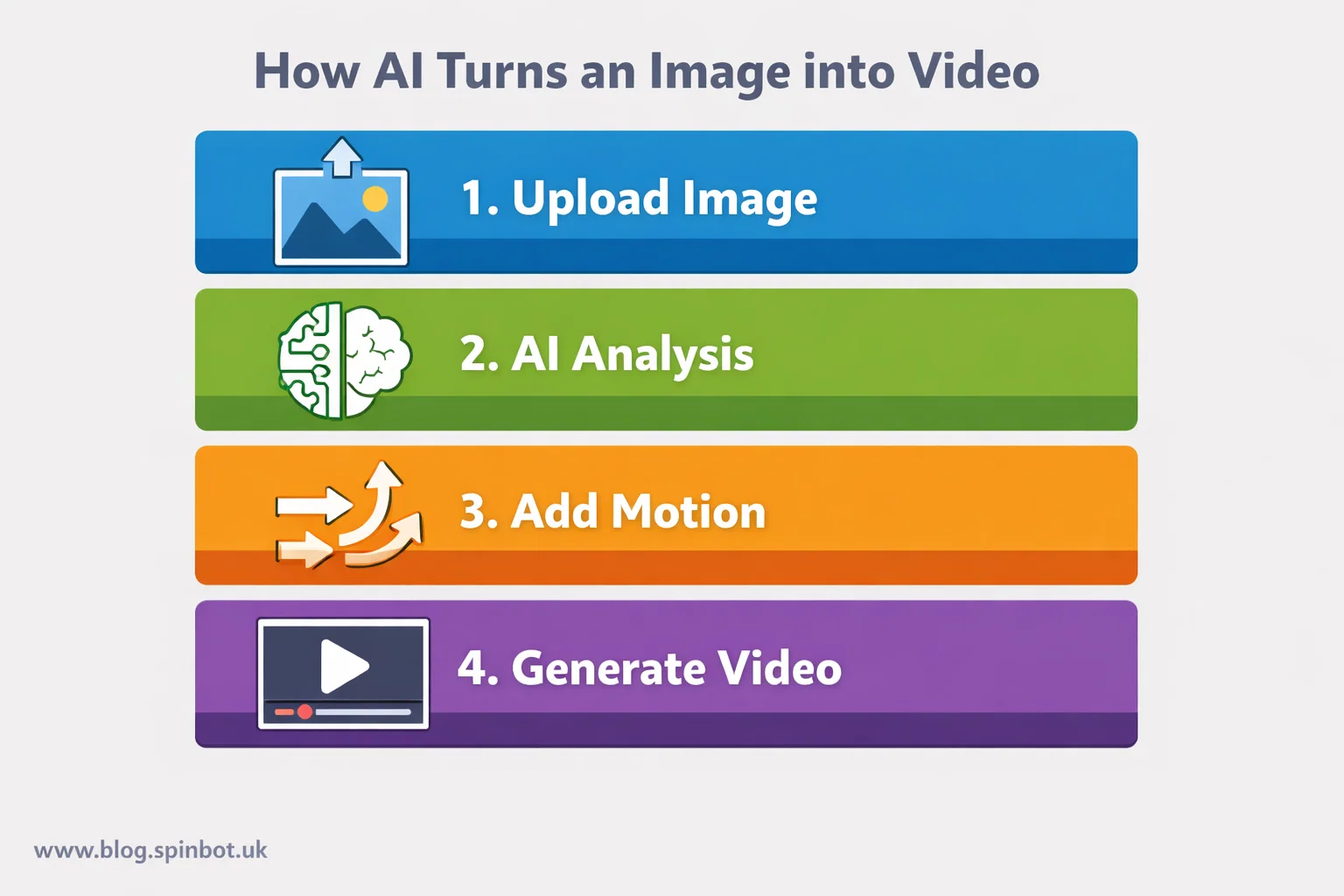
In the case of an AI video from image tool, the process usually looks like this:
The user uploads a photo.
The AI analyses visual elements inside the image.
It predicts possible movement patterns.
New frames are generated to simulate motion.
The frames are stitched together as a short video.
The final result might only be a few seconds long, but the effect can be surprisingly realistic.
Creators use these tools for everything from YouTube intros to social media posts, product visuals, digital art, and storytelling clips.
The interesting part is how quickly the technology improved. Only a few years ago, turning a photo into animation required professional software and hours of manual editing. Now it often takes less than a minute.
How does AI turn a still image into a moving video?
This is where things get fascinating.
AI systems rely on deep learning models trained on massive datasets of images and videos. By analysing millions of examples, the AI learns how motion behaves in the real world.
When the system receives a photo, it starts breaking the image into layers.
It looks for:
• foreground objects
• background elements
• depth and perspective
• facial landmarks
• lighting direction
From there, the model predicts how those elements might move naturally.
A portrait photo, for example, might produce subtle motions like:
• blinking eyes
• slight head movement
• breathing motion
• hair shifting
A landscape image might generate:
• drifting clouds
• moving water
• camera zoom or pan
• atmospheric effects
Behind the scenes, the AI is generating new image frames that never existed before. It fills the gaps between the original photo and the predicted motion.
Stack those frames together and you get a short video clip.
The clever part is that the AI is not simply stretching the image. It is synthesising entirely new frames that maintain visual consistency.
That is why the results often look far more natural than traditional animation filters.
Why are AI photo-to-video tools becoming so popular?
Short video dominates the internet right now.
Platforms like TikTok, Instagram Reels, and YouTube Shorts pushed creators to think visually and quickly. Static images simply do not grab attention the way motion does.
AI tools solved that problem.
Instead of recording footage or learning video editing, creators can transform images into motion clips instantly.
Here are a few reasons these tools are exploding in popularity.
Speed
Traditional video editing takes time. Even a simple animation requires software knowledge and patience.
AI tools generate motion in seconds.
Accessibility
You no longer need to learn advanced software like After Effects. Most AI video tools run directly in a browser.
Content production
Social media creators need constant content. Turning photos into short videos multiplies output without extra filming.
Storytelling
Old photographs, illustrations, and artwork can be animated to create emotional storytelling moments.
That is why AI image-to-video tools are now used by:
• marketers
• YouTubers
• educators
• designers
• bloggers
The barrier to entry is almost gone.
What are the best AI video from image tools available today?
Several platforms are leading this space. Each focuses on slightly different styles of animation and video generation.
| Tool | Best For | Key Feature |
|---|---|---|
| Runway ML | creators and filmmakers | cinematic AI motion generation |
| Pika Labs | social video creators | fast animated clips |
| Kaiber AI | music and visual storytelling | stylised motion visuals |
| LeiaPix | photo animation | simple 3D depth motion |
| Luma AI | realistic movement | high-quality scene generation |
Each platform uses slightly different AI models, but the idea remains the same: turn a still image into moving video content.
Some tools focus on artistic visuals, while others aim for realism.
For example, portrait animation tools prioritise facial motion. Landscape tools often focus on camera movement and atmospheric effects.
How can you generate an AI video from a photo?
The process is surprisingly simple.
Most tools follow nearly identical steps.
Step 1 — Choose an AI video generator
Pick a platform that supports image-to-video features. Some tools are designed specifically for this purpose.
Step 2 — Upload your image
Select a high-quality photo. Images with clear subjects tend to produce better results.
Step 3 — Select motion style
Many tools allow options like:
• zoom motion
• cinematic pan
• depth animation
• facial movement
This controls how the AI interprets the image.
Step 4 — Generate the video
Once the motion type is selected, the AI creates new frames automatically.
Generation time usually ranges from a few seconds to a couple of minutes depending on complexity.
Step 5 — Export or edit
After previewing the animation, you can export the video file or refine the motion.
Some platforms allow you to add music, captions, or extra visual effects.
For creators who want to improve written scripts or captions for these videos, tools like Article Rewriter available through Spinbot can help reshape text quickly before adding it to video content.
What types of images work best for AI video generation?
Not every photo produces the same quality of animation. Some images give the AI more information to work with.
Photos that tend to perform best include:
Portrait images with clear faces
Landscape photos with depth and lighting
Architecture images with strong perspective
Artwork or illustrations with defined layers
Low-resolution images or extremely cluttered photos often confuse the AI model.
That can lead to distorted motion or visual glitches.
In simple terms, the clearer the image, the better the generated motion tends to look.
Is it safe to use AI video tools?
This is one of the most common questions people ask.
In most cases, using AI video generators is safe. But there are a few practical considerations.
Privacy
If you upload personal photos, the platform may temporarily store them during processing.
Always review the platform’s privacy policies.
Data usage
Some AI tools train their models using uploaded content. Others do not. It depends on the service.
Deepfake concerns
AI animation tools can potentially be misused for misleading content.
Responsible platforms include safeguards that limit harmful use cases.
For everyday creative use, however, AI video generators are generally safe tools when used responsibly.
When should you use AI image-to-video tools?
These tools shine in specific situations.
Social media content
Short animated visuals attract far more attention than static photos.
Marketing visuals
Businesses often animate product images to create quick promotional videos.
Educational visuals
Teachers and educators use animated images to explain concepts visually.
Storytelling projects
Historical photos, artwork, or documentary visuals can be animated to create emotional storytelling moments.
The appeal is simple. You take something static and add motion without complex editing.
What mistakes do people make when using AI video generators?
Despite the simplicity, beginners often run into the same problems.
Using low quality images
AI models cannot invent detail that does not exist in the original image.
Expecting movie-level realism
These tools generate short clips. They are not full cinematic production systems yet.
Ignoring motion limits
Subtle motion usually looks more realistic than aggressive animation.
Uploading crowded photos
Too many objects in the frame confuse the motion prediction.
A little experimentation quickly teaches what works best.
Where is AI video generation heading next?
Right now most AI photo-to-video tools generate clips lasting a few seconds.
That will not stay the case for long.
Research labs and tech companies are rapidly improving AI video models. Each new version learns how motion behaves more naturally.
Future tools will likely support:
• longer video sequences
• better facial animation
• realistic environmental effects
• automatic scene transitions
• voice and character interaction
Some experimental systems can already generate entire scenes from text prompts combined with images.
The line between image editing and video production is disappearing.
What once required an animation studio is gradually becoming a browser tool.
Why creators are paying attention to this technology
Every new creative tool reshapes how content is produced.
Photography replaced painting for everyday storytelling. Video replaced static slideshows. Now AI is beginning to merge images and motion into something entirely new.
For creators, the appeal is obvious.
You can start with something simple. A single photo.
Then a few seconds later, that image moves, breathes, and tells a story.
That moment when a still picture suddenly feels alive never really gets old.

Emily is a skilled content strategist and writer with a passion for digital marketing and SEO trends. A Leeds alumna, she brings her expertise in media communication to Spinbot UK Blog, crafting engaging content that drives traffic and enhances user engagement.