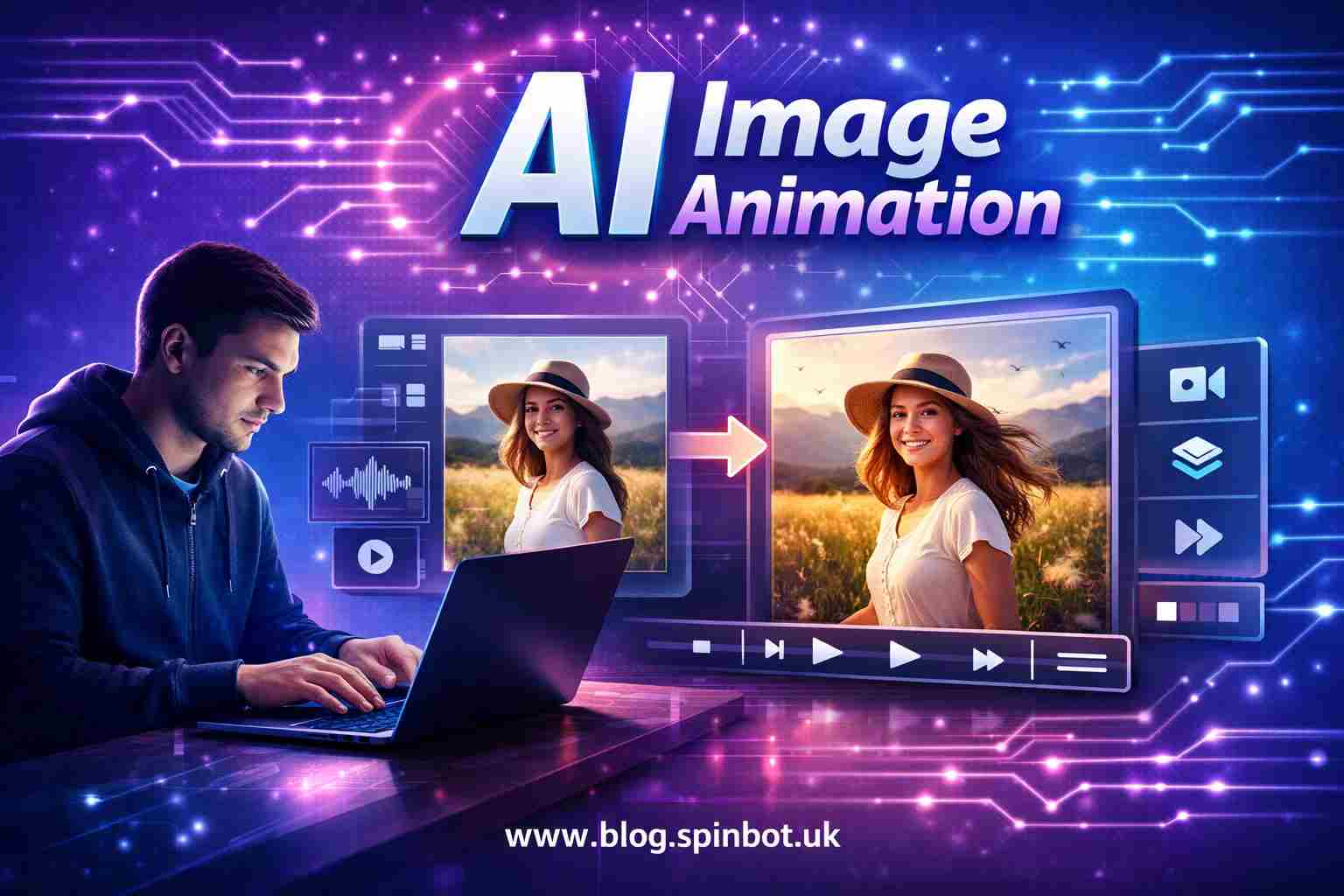
The shift is happening because of image to motion video AI. Tools that once belonged in advanced animation studios now sit inside simple web apps. Upload a picture, type a short prompt, and the system creates motion frames automatically.
People are using this for YouTube intros, social media content, marketing visuals, and storytelling. A still photo becomes a living scene.
Let’s unpack how this works and which tools actually deliver real results.
What Is Image to Motion Video AI and Why Are People Using It?
Image to motion video AI is software that transforms a static photo into a short animated video using artificial intelligence. The system analyses the image, predicts motion, generates new frames, and stitches them together into a video clip.
In simple terms, the AI imagines what movement could happen inside the photo.
For example:
- A portrait can blink or turn its head
- A landscape can add moving clouds
- A product image can rotate or zoom
- A painting can become a cinematic scene
Instead of manually animating frames, the AI calculates motion using machine learning models trained on millions of images and videos.
That’s why creators are adopting these tools quickly. A process that once took hours in animation software can now happen in under a minute.
How Can AI Turn a Simple Image Into a Moving Video?
The technology behind image to video AI sounds complex, but the idea is surprisingly logical. The system studies the image and predicts how movement would naturally occur.
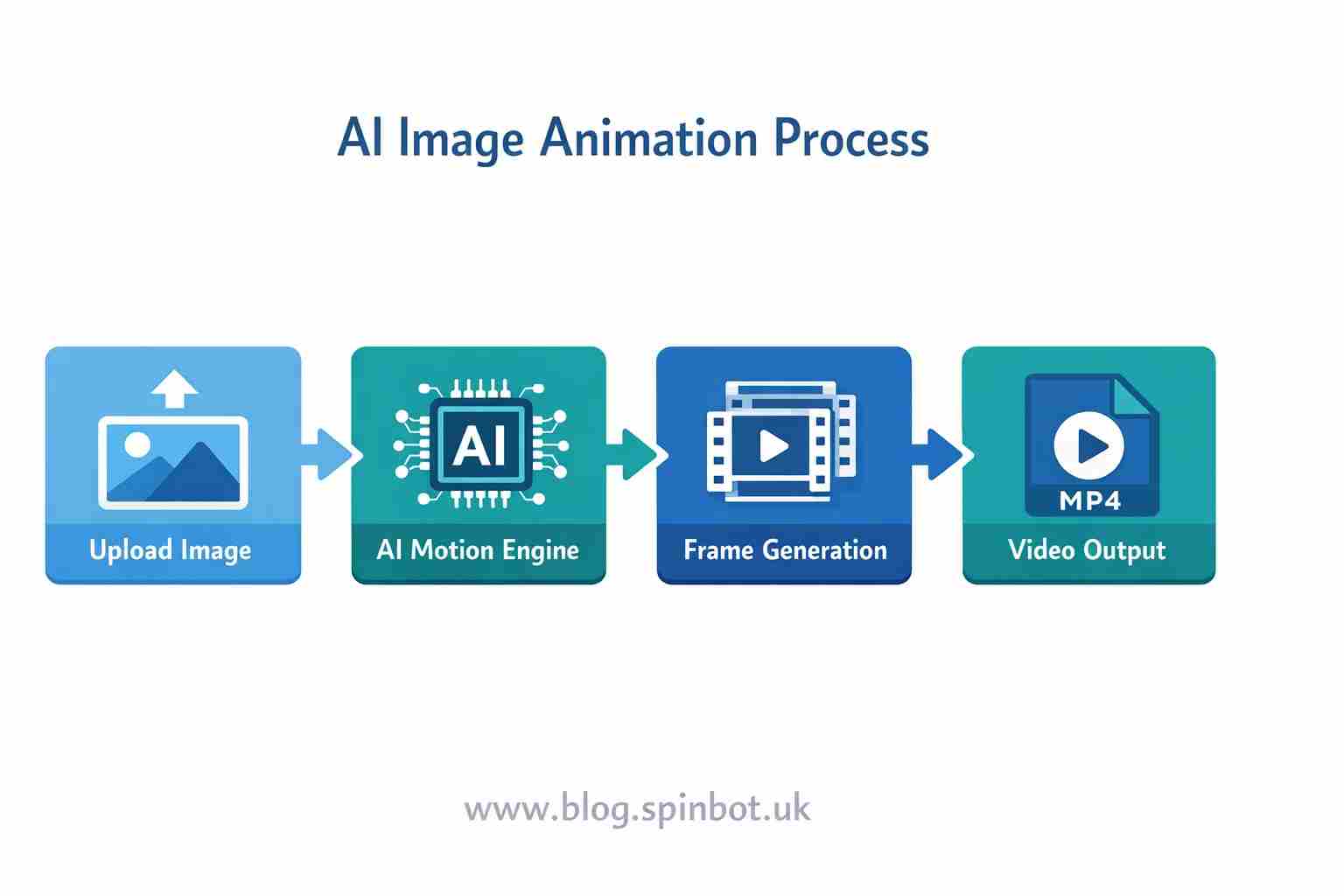
It usually follows four core steps.
First, the AI scans the image and separates objects. It identifies people, backgrounds, lighting, edges, and depth.
Next, it predicts motion paths. A person’s face might move slightly, a camera might zoom forward, or clouds might drift across the sky.
After that, the AI generates extra frames. A video needs many frames per second, so the system creates new frames between the original image positions.
Finally, the software renders those frames into a smooth motion video.
The process looks something like this:
| Stage | What Happens |
|---|---|
| Image Analysis | AI detects objects and depth |
| Motion Prediction | AI decides how elements could move |
| Frame Generation | New frames are created automatically |
| Video Rendering | Frames are stitched into a video clip |
This is why modern tools can generate motion even from a single image. The system is essentially predicting how the scene might evolve over time.
Which Image to Video AI Tools Are Worth Trying Today?
Several tools now dominate the image to motion video AI space. Each one focuses on slightly different strengths.
Some are designed for social media creators. Others are aimed at filmmakers or designers.
Here are some of the most notable options.
Runway
Runway is one of the most powerful AI video platforms available today. It offers image-to-video generation along with editing tools, green screen effects, and motion prompts.
Creators often use it to turn concept art into short cinematic clips.
The interface is simple, but the engine behind it is surprisingly advanced.
Pika
Pika has become extremely popular because it produces smooth motion quickly. Many creators use it to animate illustrations or photos into short looping clips.
Its main advantage is speed. Videos can be generated in seconds.
Kaiber
Kaiber focuses heavily on stylised animation. If you want artistic motion effects or music-driven visuals, this tool works well.
Artists frequently use Kaiber to transform drawings into animated sequences.
LeiaPix
LeiaPix specialises in 3D motion effects from photos. It can turn a flat image into a depth-based animation that moves like a camera glide.
This works especially well with landscapes and product photos.
PixVerse
PixVerse is gaining attention for its cinematic outputs. The system allows prompts like “camera pan left” or “slow zoom in”.
That level of motion control makes the videos feel more intentional.
Are There Image to Video AI Free Tools That Actually Work?
Yes. Many people search for image to video AI free tools because they want to experiment before paying for a subscription.
Several platforms provide free tiers.
Some of the most useful free options include:
LeiaPix Free Version
You can upload an image and create a depth animation without paying. The output resolution may be limited, but it works well for social media clips.
Pika Free Credits
New users receive free credits to generate videos. It’s enough to test the platform and see the results.
Runway Free Plan
Runway offers limited generation time on the free plan. It’s useful for learning the workflow.
Kaiber Trial
Kaiber usually offers trial generations so creators can test the system before upgrading.
Free versions typically limit things like:
- export resolution
- video length
- generation speed
Still, they are more than enough to test how image to video AI free unlimited tools might fit your workflow.
How Can Beginners Animate an Image to a Video With AI?
If you’ve never used an AI video tool before, the process might look intimidating. In reality, it’s surprisingly straightforward.
Most tools follow nearly the same workflow.
Start by uploading your image. This can be a photograph, drawing, product shot, or digital artwork.
Next, choose a motion style. Some platforms offer preset effects like camera zoom, slow pan, or cinematic movement.
Then add a prompt describing the motion. For example:
- “camera slowly zooms toward the subject”
- “clouds moving across the sky”
- “hair gently blowing in wind”
After that, generate the video. The AI will create the frames automatically.
Finally, export the clip as an MP4 video.
The entire process often takes less than a minute.
This simplicity is why creators are experimenting heavily with how to animate an image to a video with AI.
What Makes Some AI Video Generators Better Than Others?
Not all AI video tools are equal. Some generate smooth motion while others produce awkward frame transitions.
The difference usually comes down to four factors.
Motion Realism
The best tools create subtle motion rather than exaggerated movement. Realistic motion feels like a camera shot instead of a computer effect.
Frame Interpolation
AI must generate many frames between moments. Advanced tools calculate these frames more accurately, which results in smoother videos.
Prompt Control
Some tools allow detailed motion prompts like camera moves, object animation, or environmental effects.
More control usually means more creative possibilities.
Rendering Speed
Generation time matters. Some tools create videos in seconds, while others require minutes depending on GPU availability.
Faster systems make experimentation easier.
Where Are Image Animation AI Tools Being Used Today?
The uses for image to motion video AI are expanding quickly.
What started as a novelty is now becoming part of real creative workflows.
Here are some areas where it’s already being used.
Social Media Content
Creators use animated images to make posts stand out. A moving image naturally grabs attention more than a static one.
Short AI-generated clips work well on platforms like Instagram, TikTok, and YouTube Shorts.
Marketing Visuals
Brands are turning product photos into motion graphics. Instead of creating full commercials, companies animate existing images.
This reduces production costs significantly.
Storytelling
Writers and digital artists use AI to animate concept art or story scenes. A still illustration can suddenly feel like a cinematic moment.
Gaming Concepts
Game designers sometimes animate character art to preview how a character might move before building full 3D models.
Educational Media
Teachers and presenters are experimenting with animated diagrams and historical images.
The movement helps explain ideas visually.
What Should You Know Before Using Image to Motion AI?
Despite its simplicity, there are a few practical things to keep in mind before using image to video AI free tools.
First, resolution matters. High-quality images usually produce better motion results.
Second, simple scenes work best. Images with clear subjects are easier for AI to animate.
Third, motion prompts should be realistic. Asking for extreme movement can cause distortion.
Finally, remember that AI still makes guesses. Sometimes the output will surprise you, and not always in a good way.
Experimentation is part of the process.
How Is AI Changing the Future of Visual Content?
A few years ago, animation required specialised software, trained artists, and significant time. Today, almost anyone can create motion videos with AI.
This doesn’t mean traditional animation is disappearing. Instead, AI is becoming a creative assistant.
It speeds up idea testing. It helps creators experiment. It lowers the barrier for storytelling.
The most interesting shift is accessibility. People who never considered making videos are now doing it with simple prompts and photos.
And that changes how content gets created online.
One image used to tell a single story.
Now it can move, breathe, and unfold into a short film.
That’s the quiet power of image to motion video AI.

Emily is a skilled content strategist and writer with a passion for digital marketing and SEO trends. A Leeds alumna, she brings her expertise in media communication to Spinbot UK Blog, crafting engaging content that drives traffic and enhances user engagement.