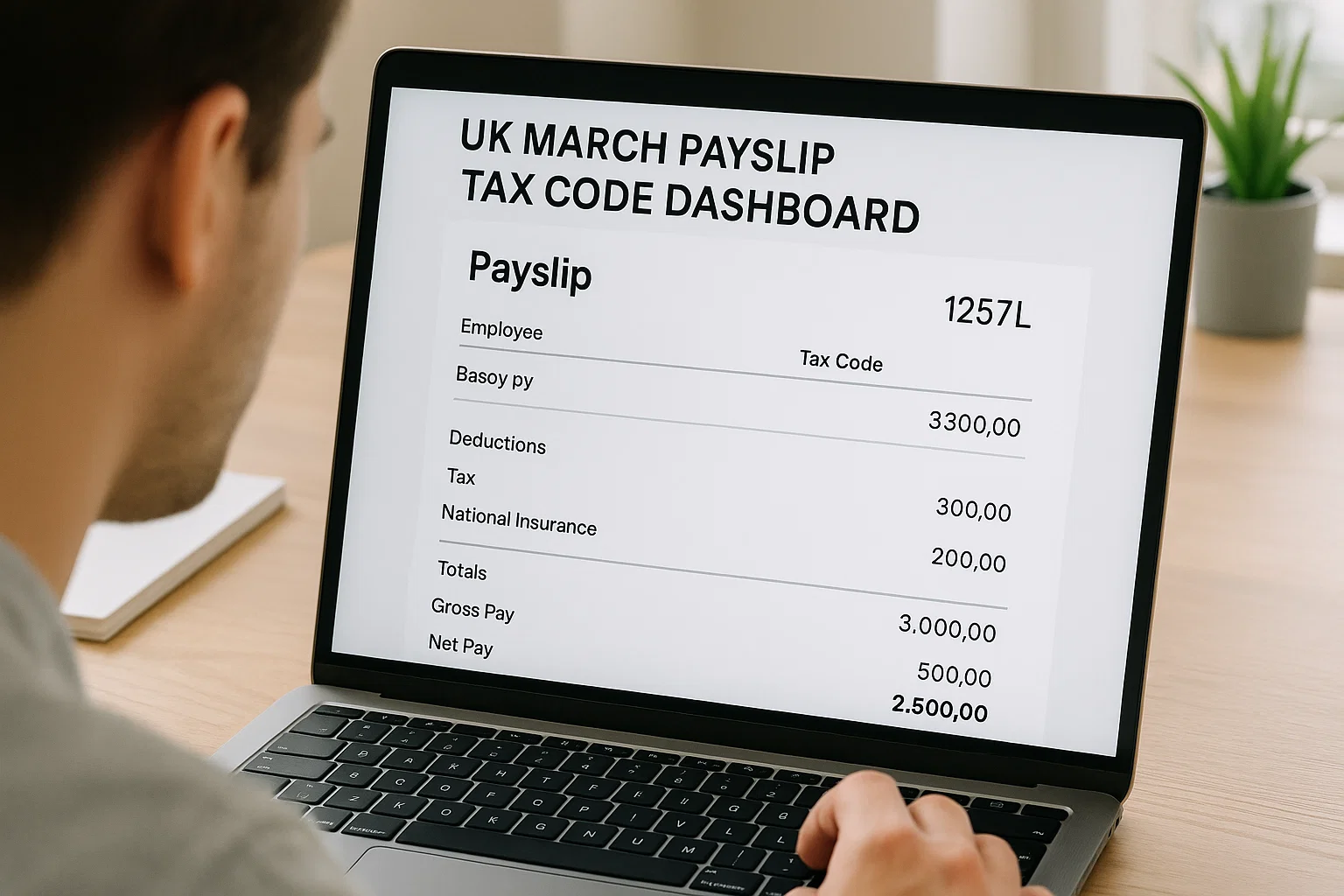
If you’ve ever wondered why your UK March payslip tax code carries extra weight, here’s the truth: this month often reveals whether your tax has been right all year. It’s also where corrections quietly appear. And if your code looks wrong, this is the best moment to sort it.
Let’s walk through what really matters so you understand your code, know when to worry, and fix problems before they snowball into next year.
Where your tax code hides on your March payslip
Most people skip straight to “net pay,” but March deserves a slower look. Your tax code usually sits near:
– Taxable pay
– National Insurance
– PAYE
– Personal allowance section
Digital payslips display it even more clearly. Payroll systems love consistency, but March occasionally breaks that rule. You might see the same familiar code (like 1257L) or a temporary emergency one (W1, M1, 0T) applied just for this month. Don’t panic March is when employers reconcile data, and this sometimes triggers a last-minute adjustment.
What your tax code is actually telling you
A tax code isn’t just a random mix of numbers and letters. It’s your personal tax translation. Once you understand the basics, things get far less intimidating.
Here’s the simple breakdown:
1257L
This is the most common tax code in the UK today. If you see this, you’re using the standard personal allowance, and nothing unusual is happening in your tax world.
BR
All your pay is taxed at 20%. Common when you’ve just started a second job and haven’t handed in your P45.
D0
Everything is taxed at 40%. Usually linked to higher-rate taxpayers or a second job.
D1
Everything is taxed at 45%. Same idea but for additional-rate earners.
0T
No personal allowance being applied. This often appears when HMRC doesn’t have enough information about you.
K-Codes
These look scary but aren’t as dramatic as they seem. They mean you have taxable benefits (like a company car) worth more than your allowance. Payroll adds extra tax each month to balance it.
M1/W1
The famous emergency codes. These are “month 1” temporary codes and don’t look at your full-year earnings only the current month.
Once these make sense, the whole payslip becomes clearer, and tax stops feeling like a mystery written in code.
Does 1257L mean you owe tax?
Short answer: no.
Long answer: it depends on what has happened across the year, not the code itself.
Seeing 1257L simply confirms that HMRC believes you qualify for the standard personal allowance. But the code doesn’t guarantee your overall tax position. You could still owe tax if:
– You had multiple jobs at the same time
– You changed roles mid-year
– You received benefits in kind
– HMRC is adjusting for previous underpayment
But the code alone isn’t the culprit. That’s why checking your PAYE tax summary through HMRC is worth doing especially in March.
How to check whether your tax code is correct
Here’s where things get genuinely helpful. You’ve got several quick routes to confirm your tax code, and none of them require ringing payroll in a panic.
HMRC App
This has become the easiest way. The app shows:
– Your current tax code
– Breakdown of your personal allowance
– Benefits being taxed
– Any corrections HMRC has pushed through
It’s simple, private, and doesn’t need employer involvement.
Government Gateway
If you prefer web login, you can check through your Personal Tax Account. Same info, slightly more detail.
PAYE Coding Notice
This is the official letter/email HMRC sends explaining why your code changed. It’s worth reading because this is where HMRC explains itself properly.
Employer Payroll
If something looks wrong say, your expected 1257L suddenly becomes 0T your employer can tell you whether the code came from HMRC or if a payroll issue triggered it.
Why March likes to shake things up
Think of March as the final audit of the year. It’s the moment when everything that has happened since April needs to make sense.
Your code might change in March because:
1. HMRC has updated your income estimate
PAYE runs on estimates. When HMRC believes your income changed, they adjust the code to match.
2. Benefits in kind were reported
Think: company car, private medical cover, uniform allowances. These can shift your code significantly.
3. You’ve switched jobs
If your P45 didn’t arrive on time, March is when payroll tends to straighten things out.
4. You had more than one job
The system might redistribute your tax allowances between jobs as the year ends.
5. You had an underpayment earlier
HMRC sometimes fixes earlier tax differences in the final month.
6. Emergency tax codes are clearing
If you started a job midway, your temporary code might finally be replaced with your proper one.
March exposes these things, but that’s actually a good thing it gives you a chance to fix errors before the new tax year resets everything.
How to fix a wrong tax code faster than waiting for payroll
Some mistakes are harmless, others drain your take-home pay unnecessarily. Here’s what actually works when correcting a code:
Use the HMRC App (fastest)
Tap “Income” → “Tax Code” → “Fix an issue.”
HMRC usually responds quicker when the request comes through the app.
Check your personal details
If your address or job information is outdated, HMRC can’t reach you properly, and wrong codes appear.
Update benefits information
If you lost a company benefit but payroll didn’t report it, HMRC might still be taxing you for something you no longer have.
Contact HMRC
Add your keyword naturally: hmrc tax code contact number.
When calling, they’ll ask for:
– NI number
– Employer name
– Earnings estimate
– Details of benefits
Talk to your employer
Payroll can confirm whether they applied the code manually or whether HMRC sent it electronically.
Once corrected, the next payslip often April reveals the clean updated code.
What changes once HMRC fixes your code
The correction doesn’t just sit quietly. It alters your pay instantly or gradually depending on the type of change.
Here’s what usually happens:
If you overpaid tax:
Payroll refunds it automatically in your next salary. No extra request needed.
If you underpaid:
HMRC might adjust your code for the next year to collect the difference gently, instead of demanding a lump sum.
If your code changed mid-year:
Expect your take-home pay to shift slightly as payroll balances the year’s totals.
And remember your employer can’t override HMRC. If the code feels wrong, fix it with HMRC directly rather than blaming payroll.
The UK codes that appear the most
Here’s the quick rundown people revisit again and again:
- 1257L – Standard allowance
- BR – 20% on everything
- D0 – 40% on everything
- D1 – 45%
- OT – No allowance applied
- K-codes – Negative allowance
- W1/M1 – Temporary emergency codes
March is the month these codes show their true colours. If something looks unexpected, this is your signal to check it.
What to do if you spot a new code in March and don’t know why
Before spiraling into spreadsheets and Google searches, start with these quick checks:
– Look at your last coding notice
– Open the HMRC app for benefits and estimate changes
– Check if you changed jobs this year
– Make sure your employer has the correct start form (P45 or Starter Checklist)
– Look at whether you received a bonus that might have triggered estimated income changes
If you work through these calmly, the reason behind the change usually becomes obvious.
How PAYE handles tax in March behind the scenes
PAYE isn’t calculating your whole year from scratch. It’s using cumulative values. Every month builds on the one before it, and March is the final puzzle piece.
This means:
– If you were on the wrong code earlier, March might correct it
– If you missed allowances, March might restore them
– If you changed jobs, March merges or separates allowances properly
PAYE is slow but logical. Once you know how it thinks, the big picture starts forming.
Why your new job affects your March payslip more than expected
People often underestimate how a mid-year job change affects PAYE. If your employer never received your P45, payroll has no idea about your earlier income. You might sail through the year fine, only for March to suddenly recalculate everything.
The fix is straightforward: provide your P45 or update details via HMRC. March tends to tidy up the leftover confusion.
What if your payslip doesn’t match the code on your HMRC app?
This happens more often than you think.
Two common reasons explain it:
1. HMRC updated your code after payroll already ran
Employers can only apply new codes in the next payroll cycle.
2. Employer hasn’t pulled the latest RTI updates
Real-Time Information (RTI) sync errors happen. A quick call to payroll can clarify if they’ve received the new instruction.
You aren’t being taxed twice. The systems are just out of sync.
When an emergency tax code is nothing to stress about
Seeing W1 or M1 feels worrying, but these codes usually stick around for a temporary reason:
– You joined a new job
– Payroll didn’t have your full details
– HMRC hasn’t assessed your full-year income yet
Once HMRC receives correct details, the code updates automatically. And good news: if you’ve overpaid under an emergency code, you get refunded.
What happens when your March payslip suddenly drops your take-home pay
It’s usually one of these:
– A correction for earlier months
– A benefit being added
– An estimate increase
– A late-reported bonus
– A shift to an emergency code
March doesn’t change your tax rate it just balances out the year.
When to actually call HMRC instead of waiting
Call when:
– Your code is wrong for more than one month
– You see a K-code you can’t explain
– You’re being taxed as if you have two jobs but only have one
– Payroll says “We didn’t send that code”
Calling early in March saves you from messy April adjustments.
How to tell if your code affects Universal Credit or benefits
If your tax goes up or down in March, your monthly Universal Credit assessment might change because take-home pay shifts. The tax code itself doesn’t affect UC, but the pay difference does.
This is another reason why getting your tax code right before April matters.
A calm, confident place to end
March can feel intense, but once you understand how tax codes behave, the whole thing becomes manageable. Your payslip is trying to help you, not confuse you. And the moment you know where to look and what those small letters and numbers are hinting at you’re in control again.
If your tax code looks strange, fix it now. April will feel a lot cleaner, and you’ll walk into the new tax year without any lingering doubts. And if something still doesn’t sit right, HMRC’s tools and your employer’s payroll team are there to guide you. You’re not alone in this.

Rachel combines her technical expertise with a flair for clear, accessible writing. A graduate of the University of Edinburgh, she specializes in creating detailed tech-focused content, Govt Jobs, Payslips that educates our readers about the latest in web development and SEO tools at Spinbot blog.