Let’s make this simple.
Here’s a clear, friendly walkthrough of how DHL’s payslip system works, why MyView and Zellis appear everywhere, what your payroll number actually means, and how to fix login issues without waiting for payroll support to reply.
Let’s start with the basics: what your DHL payslip actually is
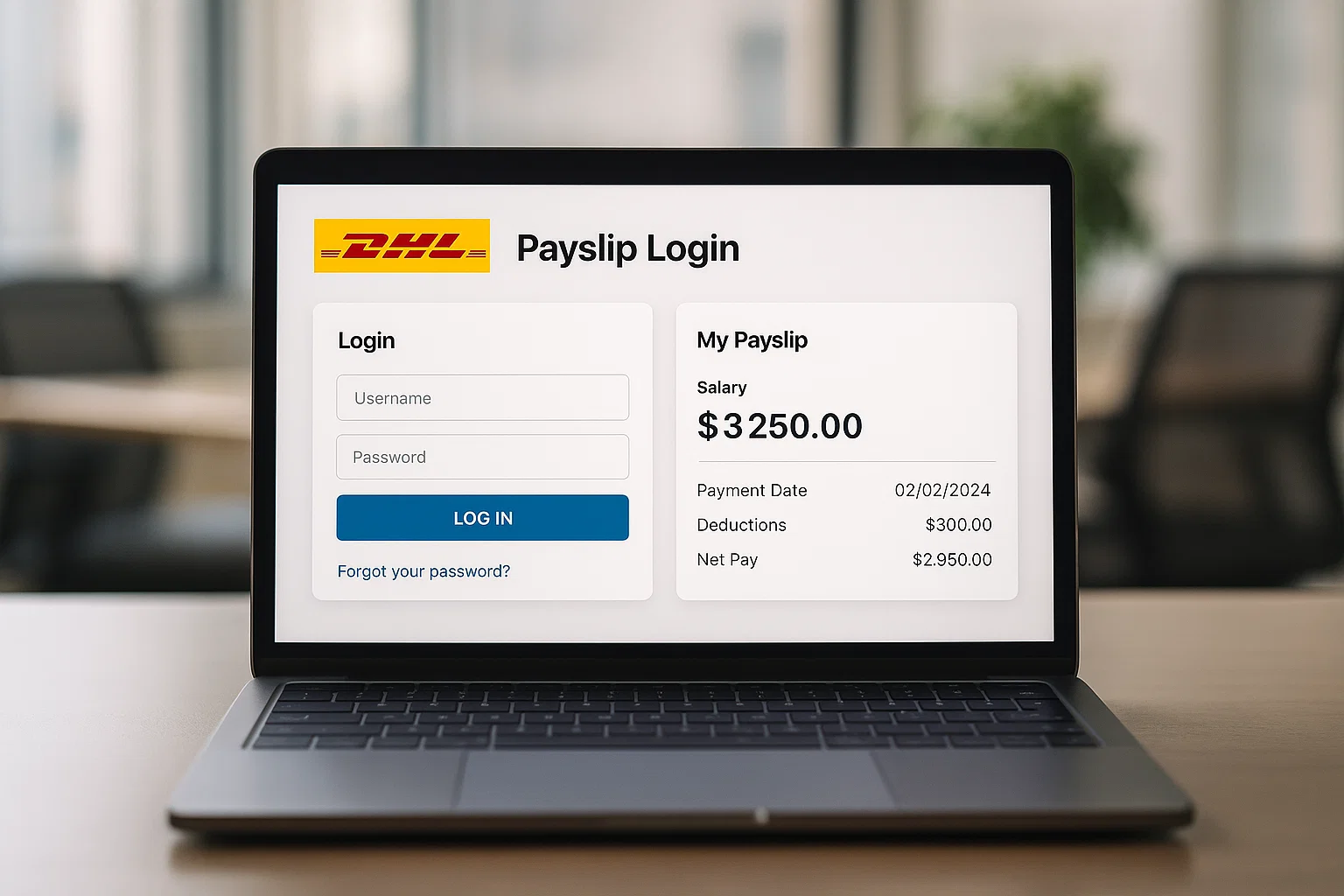
DHL uses a digital payslip system, meaning everything happens online. No paper copies, no envelopes through the door. Every payslip is stored in your employee portal, mostly handled through MyView Zellis, a payroll platform used by many UK companies including DHL.
Think of the payslip as your monthly snapshot. It shows:
- Basic pay
- Overtime
- Shift allowance
- Tax and National Insurance
- Pension contributions
- Net pay
- Your payroll number
- Your tax code
For many employees this document is also needed when applying for rentals, loans, and financial checks so having quick, reliable access matters.
What sometimes confuses people is that DHL uses separate portals for salary (MyView) and for business invoices (MyBill). They are not the same thing. One is for employees, the other is for customers sending or receiving shipments. We’ll break that down shortly.
How to check your DHL payslip online
Here’s the part everyone searches for. The steps are straightforward once you know what each screen means.
1. Go to your DHL MyView Zellis login page
Most DHL teams use MyView, run by Zellis, a major HR and payroll provider.
Depending on your region or business unit, the link may be:
- DHL MyView (for employees in the UK)
- DHL Intranet → HR & Payroll → MyView
- A direct Zellis-hosted link shared by your manager
If you’re not sure which one you should use, check:
- Your welcome email
- Your contract
- Internal DHL HR communications
- Ask your line manager
2. Enter your payroll number or employee ID
This number is printed on every payslip you’ve ever had. If you’re new, you’ll get it in your first payroll email or HR booklet.
3. Type your password
If it’s your first time, DHL normally gives you a temporary password. You’ll need to change this as soon as you log in.
4. Once inside, select “Payslips”
You’ll see a list of all your payslips current and previous ones. Tap to view, download, or save as PDF.
DHL Payslip Login: Common Issues Explained Gently
Everyone hits at least one login problem. Here’s what each one usually means.
1. “Invalid Login Details”
This usually means your password isn’t matching the system. Remember MyView passwords are case-sensitive and often require a mix of letters and numbers.
Fix: Reset your password using the “Forgot Password” link.
2. “Account Locked”
Too many wrong attempts.
Fix: Reset password or wait for the 30-minute cooldown.
3. Portal not loading
MyView goes down during updates or heavy load times around payday.
Fix: Try again later or use a different browser like Chrome or Edge.
4. Payroll number missing
Ask your manager or check your old emails. It’s never complicated to retrieve.
5. Region mismatch
Sometimes DHL redirects you if you’re using the wrong MyView site.
Fix: Use the exact portal link provided by your site or contract.
Understanding your DHL payroll number what it actually means
Your payroll number is your identity inside DHL’s payment system. It:
- Links you to your job role
- Tracks your hours and overtime
- Identifies you for tax and NI purposes
- Makes your payslip accessible through MyView
You’ll find it on:
- Every payslip
- Your offer letter
- Your HR onboarding documents
If you lose it, payroll can recover it in seconds don’t stress.
So what does DHL actually pay? A simple look at the salary structure
Every team, location, and job role at DHL has its own pay rate. But the salary framework usually includes:
Base Pay
Your weekly or monthly fixed income.
Hourly Rate
Warehouse workers, drivers, and shift teams often work on an hourly pay structure.
Shift Allowances
Night shifts, weekend work, and bank holiday hours normally bring boosted pay.
Overtime
When approved, overtime pays more than your normal hourly rate.
Bonuses or Attendance Incentives
Some DHL teams offer seasonal bonuses or productivity rewards.
Payday
Many UK DHL employees are paid monthly, though some divisions still operate on weekly pay.
If your question is:
“What is the DHL pay rate?”
The answer depends entirely on your contract, department, and location.
Your payslip will always show your exact rate.
Does DHL ask for payment? Important warning
No.
Not for payslips, not for HR access, not for onboarding.
If you receive a text or email saying:
- “Pay DHL to release your parcel”
- “Send payment to access your payslip”
- “Update your bank details by paying a fee”
It’s a scam.
DHL employees never pay DHL for internal systems.
Customers also never pay through random links they only pay through DHL official portals.
Report suspicious messages immediately.
What your DHL payslip password really is
The system uses your password to verify identity. You’ll create this during first login.
A few things matter here:
- It must meet the MyView rules (uppercase, lowercase, numbers).
- It expires periodically, depending on company policy.
- You can reset it anytime through the official portal.
- DHL will never send you a password over WhatsApp or text.
If you forget it, the reset link sends a new one to your registered email.
DHL MyBill and why people confuse it with payslips
This is where many employees get stuck.
MyBill is NOT the payslip portal.
MyBill is a billing and invoice system for DHL customers, not employees. Businesses use it to:
- View and download invoices
- Check shipment billing
- Track payments
- Manage account statements
DHL MyBill login (US and UK) looks different from MyView because they’re not connected.
You only use MyBill if you are handling client billing.
You never use it to view your salary.
DHL invoice number: what it is (and why employees search for it)
If your role involves admin, finance, or client shipments, you’ll come across DHL invoice numbers. They are unique codes used to track business transactions.
But again these are not linked to your employee payslip.
MyView Zellis and Poundland the odd search connection
You might wonder why “MyView Zellis Poundland” appears alongside DHL searches.
It’s simple: MyView is a payroll software used by many UK companies. The screens look similar whether you’re in DHL, Poundland, or any other employer.
Searching Poundland brings up the same MyView instructions, which is why Google mixes the two topics.
But each organisation has its own login link.
You must use the DHL one.
Troubleshooting DHL Payslip Problems the quick-fix list
Here’s the cheat sheet you’ll want to save:
- Can’t log in?
Reset password or check if you’re using the correct portal. - Payroll number wrong?
Ask your manager or check an older payslip. - Portal not loading?
Use Chrome, clear cache, or try later. - Not receiving reset email?
Check spam or confirm your HR email on file. - Payslip missing?
Some payslips appear later than expected on payday. Wait a few hours. - Need old payslips?
MyView stores previous months scroll down the list.
If nothing solves it, your payroll team can fix the issue quickly once they verify your identity.
Frequently Asked Questions
How to check DHL payslip?
Log into DHL’s MyView Zellis portal, enter your payroll number and password, then open the “Payslips” section.
What is DHL’s salary structure?
It varies, but generally includes base pay, overtime, shift allowance, night premiums, and bonuses for some teams.
Does DHL ask for payment?
No. Any message asking for payment is fake.
What is DHL pay rate?
It depends on your job role, contract, and region.
What is MyView Zellis?
It’s the HR and payslip system DHL uses to show employee salary details.
What if I forget my DHL password?
Use the “Forgot Password” option on MyView to reset it.
A simple final note
Once you understand the difference between MyView, Zellis, MyBill, and invoice portals, DHL’s payroll world suddenly feels much easier. Your payslip is always there, always digital, and always one login away as long as you’re using the right link with the right payroll number. And if something breaks, don’t panic. Payroll sees these issues every day and can get you back in with a quick reset.

Rachel combines her technical expertise with a flair for clear, accessible writing. A graduate of the University of Edinburgh, she specializes in creating detailed tech-focused content, Govt Jobs, Payslips that educates our readers about the latest in web development and SEO tools at Spinbot blog.