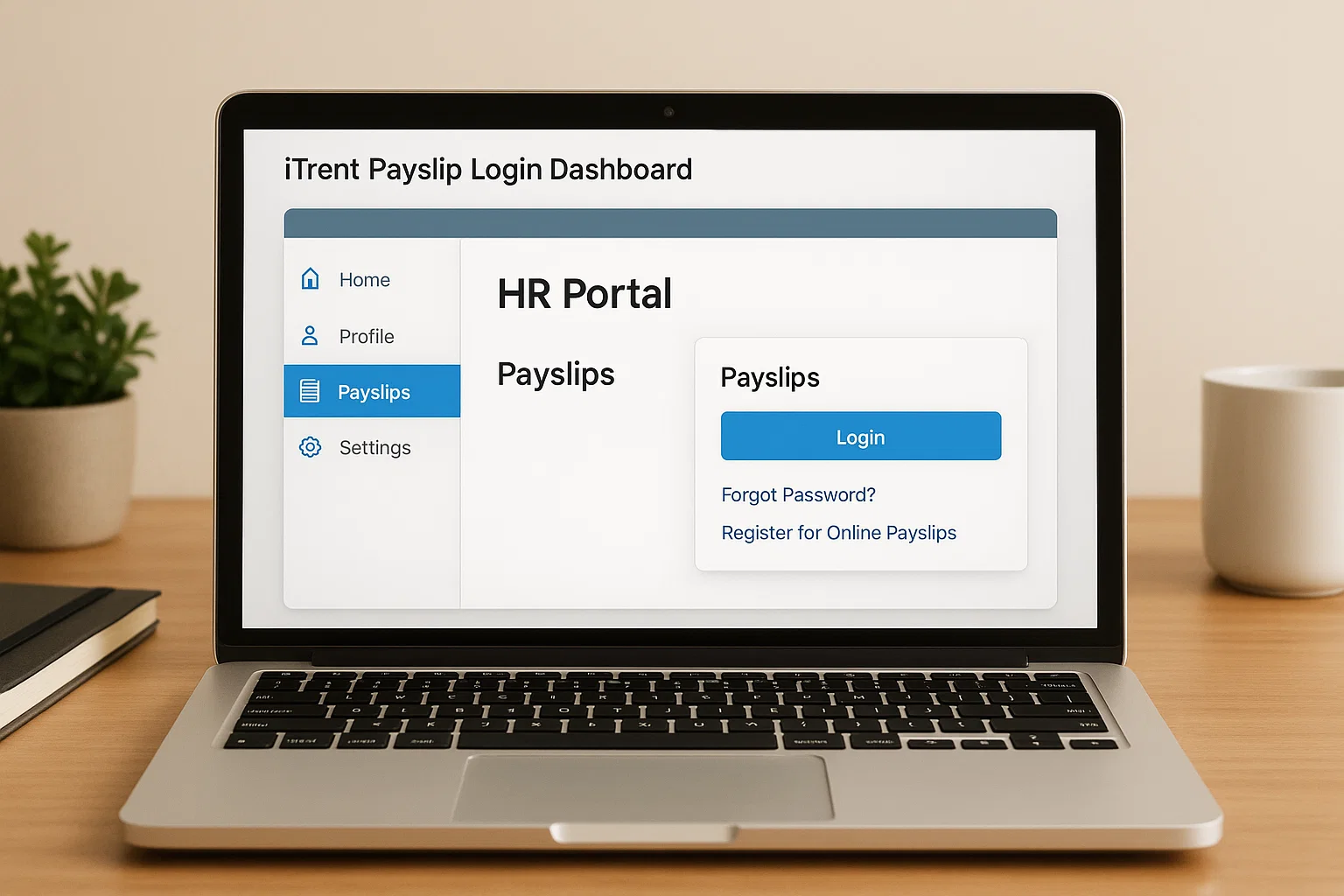
It’s the backbone behind payroll for thousands of workers across councils, NHS trusts, care providers, schools, and private UK employers. And if you’ve ever found yourself stuck on a login page wondering why it suddenly wants a recovery code, you’re not alone.
So let’s break the whole iTrent payslip thing down in a way that feels human, simple, and actually helpful.
So… what is iTrent in the real world?
Think of iTrent as an all-in-one HR and payroll engine. Some employers use it quietly in the background, while others give staff full access through ESS (Employee Self-Service). The magic of iTrent is that it keeps everything your payslips, personal details, bank info, P60s, leave records sitting neatly in one place.
If you’ve used older payroll systems, you’ll notice the difference instantly. iTrent feels more structured. More organised. Less “hunt around random tabs until something opens.” Employers love it because they can customise it heavily. Employees love it because it lets them grab documents without emailing payroll every five minutes.
Also, if you’ve heard names like iTrent ICTS or iTrent Creative Support, don’t panic they’re just employer-specific versions of the same system. The core features stay the same.
Where to actually find your iTrent payslips
Here’s the part that confuses most people: there is no universal iTrent login page.
Every employer has its own portal link. So if a coworker from another company says, “Use this URL,” it won’t work for you.
You’ll usually get the right link:
- In your welcome email
- On your employer’s HR or staff intranet
- From payroll
- In an onboarding guide
Once you’re on the right portal, you’ll spot the familiar ESS login box waiting for you.
Logging into iTrent payslips without the headache
Let’s walk through this like we’re sitting next to each other.
- Open your employer’s specific iTrent portal link.
- Enter your username. (This might be an employee number, email, or a mix, depending on your organisation.)
- Type your password. If it’s your first time logging in, expect a temporary password and an immediate prompt to change it.
- Hit Login.
- If two-step security is enabled, iTrent may ask for a recovery code (more on that soon).
And that’s it. But of course, it’s never really just that. The login glitches are where people usually start Googling for help at 11 pm the night before payday.
What iTrent ESS actually lets you do
ESS is the part employees interact with the most. It’s clean, visual, and honestly quite handy once you get used to the layout.
Here’s what you can do inside:
- View and download your payslips
- Check your year-end P60
- Confirm tax codes and deductions
- Update personal information (address, phone, emergency contact)
- Change bank details if your salary account changes
- Submit leave requests (depending on employer setup)
- View work schedules or absence history
It gives you control. No more waiting for payroll to reply. No more guessing whether your overtime made it into this month’s salary.
iTrent vs other payroll systems (in simple terms)
You’ll see systems like Sage, SD Worx, Oracle HCM, MyView, and even older legacy tools floating around the UK. iTrent sets itself apart in a few ways:
- It’s more customisable, so employers shape it to their policies.
- The ESS side tends to feel clearer compared to older payroll tools.
- Reports (like payslip PDFs) are easy to export without weird formatting.
- Security is tighter, with optional recovery codes and two-factor steps.
- It handles HR + payroll in one system, which isn’t always the case elsewhere.
Bottom line: once you get used to iTrent, everything else feels a bit clunky.
How to download your iTrent payslips
Here’s the smoothest way to get your payslip, whether you’re on a computer or your phone.
- Log in to ESS.
- Find the “Pay & Rewards” or “View Payslips” section.
- Choose the month you want.
- Click Download.
- Save the PDF somewhere safe.
- That’s it your proof of earnings is ready for whatever admin life throws at you.
The PDF format is universal, so it works for HR forms, banks, tax checks, anything.
A tip: keep a folder on your device labelled Payslips 2025 (or whatever year). It makes future paperwork so much easier.
What on earth is the iTrent recovery code?
This is the moment that catches everyone off guard.
You’re trying to log in, the page refreshes, and suddenly:
“Enter Recovery Code.”
Here’s what’s going on.
- A recovery code is part of iTrent’s extra security layer.
- It verifies that you are the one trying to log in.
- Your employer usually gives you this during onboarding.
- Some companies send one-time codes to your email or phone.
If you don’t have it anymore (and most people don’t), your payroll or HR team can generate a new one instantly.
Resetting your iTrent password without stress
If your password refuses to work, here’s the easiest way forward:
- Click Forgot Password on the login screen.
- Enter your username or registered email.
- Wait for a reset link or temporary password (varies by employer).
- Use the link to set a new password.
- Log in again and don’t forget to update your browser’s saved password.
If the reset link never arrives, check spam or contact payroll. Some organisations have email filters that block automated messages.
Common iTrent login problems (and how to fix them)
Let’s be real most payroll login issues follow the same pattern. Here’s how to sidestep the usual roadblocks.
The portal won’t load
Your employer may have moved to a new URL. Ask HR or check the staff intranet.
You forgot your username
Payroll can confirm which format your employer uses.
Password is correct but still doesn’t work
Expect a reset. Some employers require frequent password changes.
Recovery code expired
Very common. Get a fresh one from HR.
ESS app won’t sync
Log out and back in. If that fails, reinstall the app.
PDF won’t download
Switch to Chrome or Edge Safari and older mobile browsers can be temperamental.
If you’re rewriting any of your own HR guides and want cleaner wording, an AI Reword Tool like Spinbot can polish those long, messy instructions in a flash.
When it’s time to contact your payroll team
Not everything can be fixed on your own, and that’s completely fine.
Reach out when:
- Your payslip is missing a payment
- Your tax code looks incorrect
- A deduction appears out of nowhere
- You can’t log in after multiple resets
- You’ve switched bank accounts
- Your employer has recently migrated to a new payroll system
Payroll teams handle this stuff daily, and iTrent gives them all the tools they need to sort issues quickly.
iTrent payslip FAQs
How do I access my iTrent payslips?
Use your employer’s specific iTrent portal link, log in with your username and password, then open the Payslip section.
What is iTrent ESS?
It’s the employee self-service area where you manage payslips, leave, bank details, and personal information.
Why do I need a recovery code?
It’s an extra security step to confirm your identity during login.
How is iTrent different from other payroll tools?
It combines HR + payroll, offers strong security, and gives employees clearer access to documents.
Can I download old payslips?
Yes. As long as your employer hasn’t restricted archive access, older payslips remain available for download.
A final thought
Payroll shouldn’t feel intimidating. iTrent is one of those tools that becomes quick and comfortable once you’ve cracked your first login. Think of it as your monthly snapshot your earnings, your tax, your details all tucked into one simple space. And the best part? You don’t need to be tech-savvy to use it. A clear login link, a few clicks, and your payslip is exactly where it should be.

Rachel combines her technical expertise with a flair for clear, accessible writing. A graduate of the University of Edinburgh, she specializes in creating detailed tech-focused content, Govt Jobs, Payslips that educates our readers about the latest in web development and SEO tools at Spinbot blog.