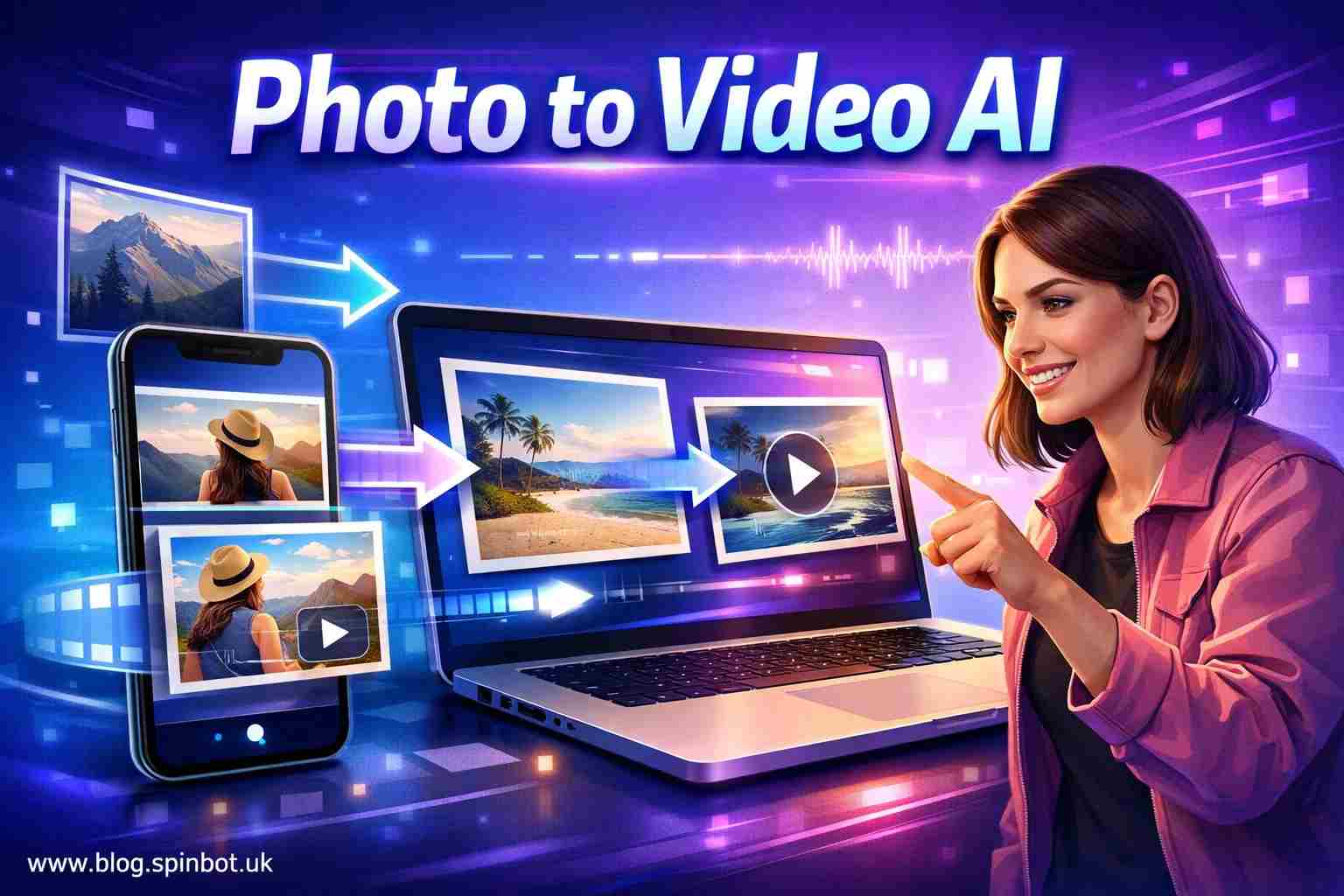
That’s why photo to video AI tools have exploded in popularity. People want their pictures to breathe, blink, and move. What once required expensive animation software can now happen in seconds.
Let’s look at how these tools work and which ones actually deliver good results.
What Is Photo to Video AI and How Does It Work?
Photo to video AI is technology that converts still images into animated videos using artificial intelligence. The software analyses facial features, depth, lighting, and background elements to generate natural movement such as blinking, smiling, camera panning, or environmental motion.
In simple terms, the AI predicts what a photo would look like if it were recorded as a video.
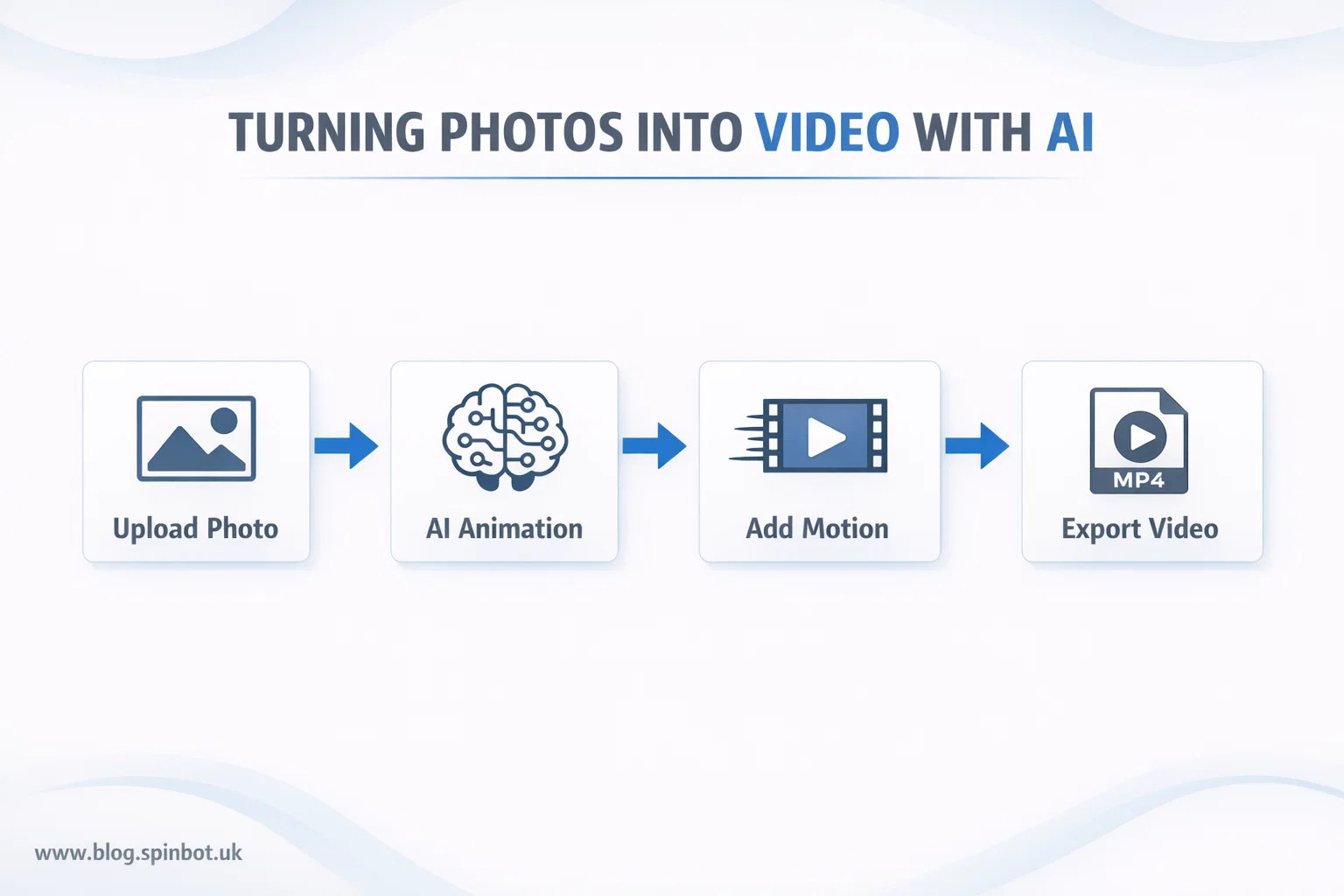
Most tools follow the same process:
- Upload a photo
- AI analyses faces, objects, and background
- Motion effects are generated
- The image becomes a short video clip
The process feels almost magical the first time you try it. A portrait might blink and smile. A sunset photo may gain moving clouds. A still selfie can turn into a talking clip.
The real breakthrough is that modern AI can simulate motion without needing multiple images. A single photo becomes enough to create video animation.
Why Are Photo to Video AI Tools Suddenly Everywhere?
The sudden rise of these tools is not random. Several trends pushed them into the spotlight.
Social media is the biggest reason.
Platforms reward motion. Videos receive more engagement than static photos. A moving image instantly grabs attention in a scrolling feed.
Creators quickly realised they could take old photos and transform them into engaging short videos.
Marketing teams noticed the same thing. Instead of designing expensive animations, brands now convert product photos into motion clips within minutes.
Even families are using these tools. Old family photos can be animated so loved ones appear to blink or smile again.
Another factor is accessibility.
Just a few years ago animation software required training. Today many image to video AI free tools run directly in the browser. No editing experience is required.
You upload a photo. The AI handles the rest.
What Are the Best Photo to Video AI Tools Right Now?
The number of AI animation tools keeps growing, but a handful consistently stand out.
Each one focuses on slightly different features.
| Tool | Best For | Key Feature |
|---|---|---|
| Runway ML | Professional creators | Realistic motion generation |
| Pika Labs | Creative AI video | Cinematic animations |
| Kaiber | AI storytelling | Style-based motion |
| LeiaPix | Image animation | Depth-based movement |
| TokkingHeads | Talking portraits | Face animation |
These tools all use machine learning models trained on video data. The AI learns how objects normally move and applies those patterns to still photos.
For example, portrait animation tools detect facial landmarks. They then generate realistic micro-movements such as blinking, breathing, or slight head motion.
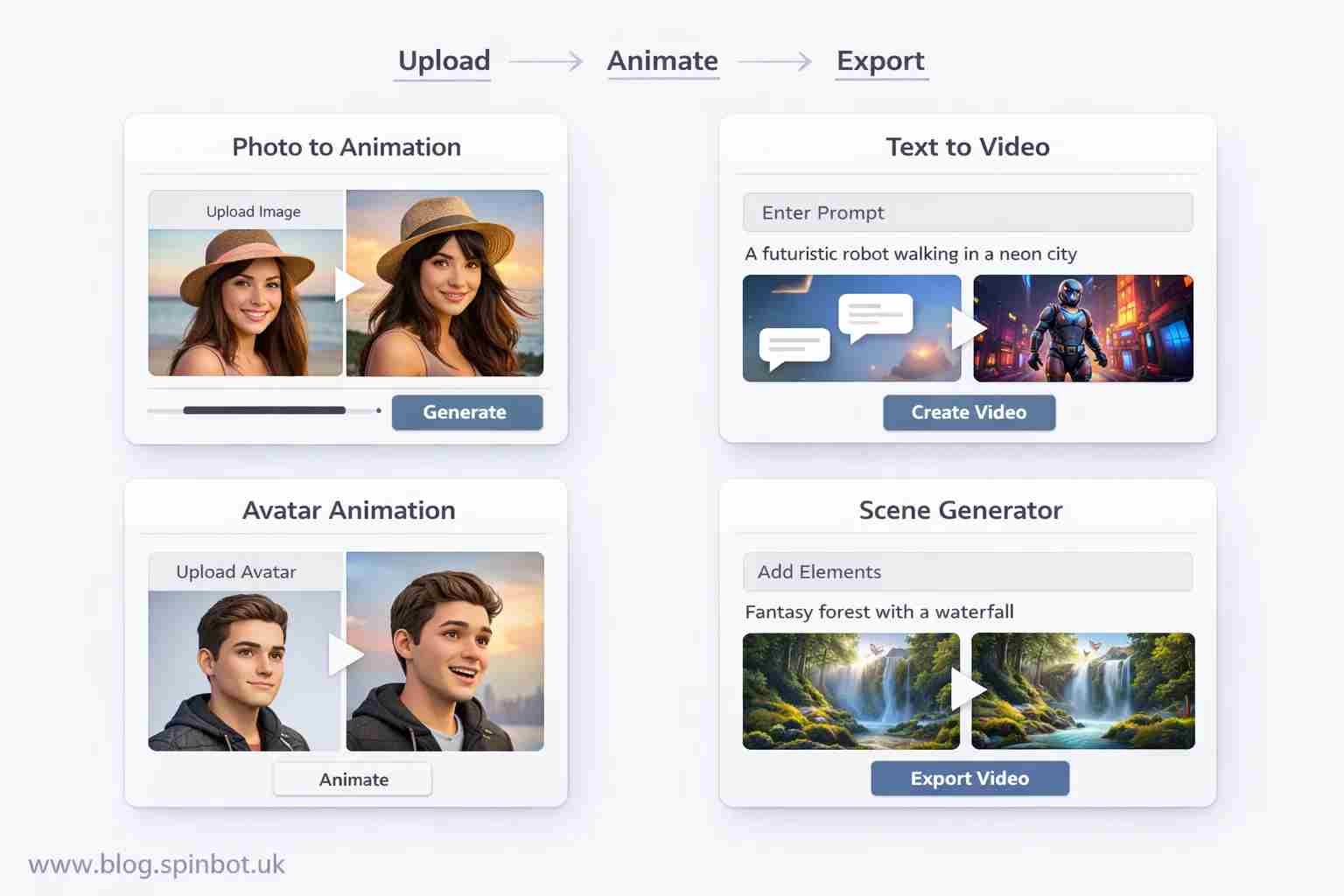
Landscape tools work differently. They add motion to elements like clouds, water, or camera angles.
The end result feels surprisingly natural when done well.
Which Photo to Video AI Free Tools Work Without Login?
One of the most common searches is photo to video AI without login.
People want quick results without creating accounts or sharing personal data.
Several tools offer limited free access without sign-up.
LeiaPix is a strong example. It allows users to upload an image and generate animated depth movement almost instantly.
Other platforms offer trial modes where you can create a few videos before registration becomes required.
These options are useful when you just want to experiment with photo to video AI free without login services before committing to a specific platform.
The quality varies depending on the AI model. Simpler tools usually create subtle motion such as slow zoom, parallax effects, or small facial movements.
More advanced generators can create dramatic scene motion, camera movement, or cinematic lighting effects.
Can AI Turn Any Image Into a Video?
Technically yes. Practically, some images work better than others.
AI performs best when a photo contains clear subjects and strong visual detail.
Portraits usually produce the most impressive results. Human faces give the algorithm enough reference points to simulate natural movement.
High-resolution images also help.
If a picture is blurry or compressed, the AI has less visual information to analyse. That often leads to unnatural motion.
Background complexity matters too.
A simple portrait background makes animation easier. A crowded city scene with hundreds of objects can confuse the system.
For the best results:
- Use high resolution photos
- Choose images with clear lighting
- Avoid heavy blur or compression
When these conditions are met, image to video free tools can produce surprisingly realistic motion.
Do Photo to Video AI Tools Support Sound?
Some do. Some don’t.
Basic animation tools focus only on motion. They generate silent video clips.
However, several platforms now support photo to video AI with sound.
This feature allows you to add voice, music, or environmental audio to the generated clip.
Talking portrait tools are the most impressive example.
You upload a portrait photo and a voice recording. The AI then synchronises facial movement with speech, creating the illusion that the person in the image is speaking.
These systems rely on speech-to-animation models trained on thousands of videos. The AI learns how lips and facial muscles move during speech.
While the technology still has limits, the results are improving quickly.
Which Photo to Video AI Apps Work Best on Mobile?
Many creators prefer editing directly on their phones.
Several photo to video AI app options now exist for both Android and iOS.
Popular choices include:
- CapCut AI animation tools
- Motionleap image animation
- Kaiber mobile version
- TokkingHeads mobile app
Mobile apps usually prioritise speed and simplicity. You upload a photo, choose an animation style, and export the result within seconds.
The biggest advantage is convenience. A creator can take a photo, animate it, and upload the video to social media without ever leaving the phone.
For short-form platforms like TikTok, Instagram Reels, and YouTube Shorts, this workflow saves a huge amount of time.
When Should You Use Photo to Video AI Instead of Video Editing?
Traditional video editing still has advantages.
If you need precise control over motion, scene composition, or storytelling, manual editing tools remain better.
But photo to video AI shines in specific situations.
First, when speed matters.
Creating animation manually can take hours. AI can generate motion in seconds.
Second, when you only have a single photo.
Many stories rely on historical images or archival photos. AI animation allows these visuals to come alive without needing additional footage.
Third, when beginners need quick results.
Someone with zero editing experience can create animated content almost instantly.
For social media creators and small businesses, this convenience makes AI animation tools extremely attractive.
How Can You Get Better Results From Photo to Video AI?
Even the best AI models depend on the quality of the input image.
Small adjustments can dramatically improve results.
Start with lighting. Photos with clear lighting produce cleaner animation.
Next, crop the image properly. If the subject is too small or distant, the AI may struggle to generate motion.
It also helps to test multiple animation styles. Some tools provide camera pan effects, depth motion, or facial animation.
Trying different options often reveals which style works best for a particular photo.
Finally, export in the highest quality available. Compression can ruin subtle animation details.
When these steps are followed, the results look far more professional.
Where Do AI Animation Tools Fit in Modern Content Creation?
Video content dominates the internet today.
Yet creating videos from scratch still requires time, equipment, and editing skills.
AI animation bridges that gap.
A creator can transform a static image into a moving visual story within seconds. That means older photos, artwork, or graphics can suddenly become dynamic content.
For bloggers, marketers, educators, and social media creators, this opens new possibilities.
Imagine turning a blog illustration into an animated clip. Or bringing historical photos to life in educational videos.
Even product photography can gain motion effects that make advertisements more engaging.
The technology continues evolving rapidly. Motion quality improves every year, and new tools appear constantly.
What once required professional animation software now happens with a single upload.
And the moment a still photo begins to move, something changes. The image stops feeling like a record of the past and starts feeling alive again.

Emily is a skilled content strategist and writer with a passion for digital marketing and SEO trends. A Leeds alumna, she brings her expertise in media communication to Spinbot UK Blog, crafting engaging content that drives traffic and enhances user engagement.